Command Palette
The command palette is the fastest way to trigger actions without remembering every key.
Use this page when: you want discoverable, searchable commands with recent-item prioritisation.
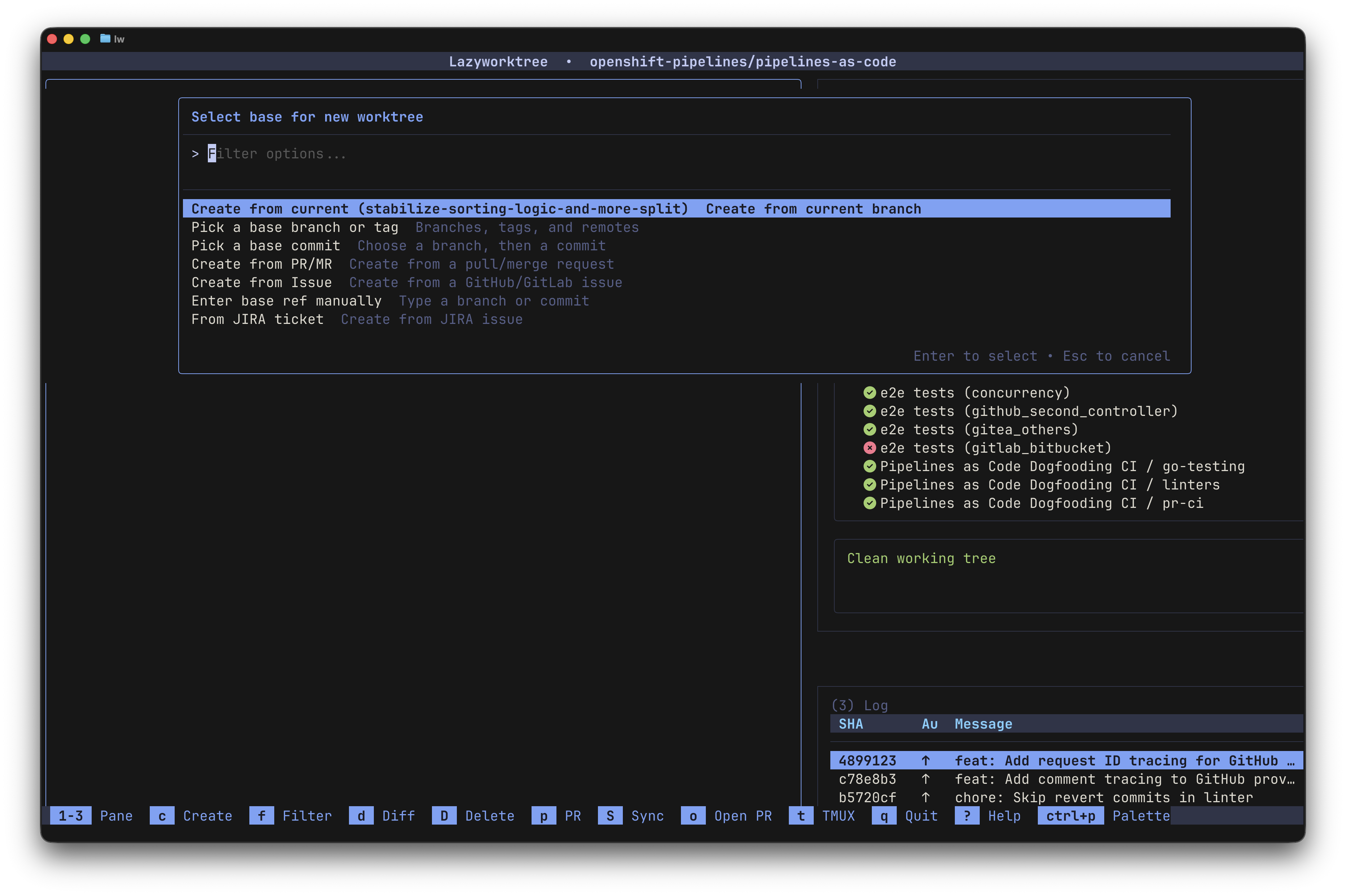
Opening and Filtering
- Open with
Ctrl+por:. - Type to filter actions and custom commands in real time.
- MRU (Most Recently Used) ordering prioritises recently used entries at the top.
Built-in Workflows
The palette surfaces all available actions, including:
- Worktree actions — create, delete, rename, set icon, absorb, prune, sync
- Git operations — lazygit, cherry-pick, diff viewing
- Navigation and pane controls — focus pane, toggle zoom, switch layout
- Settings — theme selection with live preview
The letter on the right of each entry indicates its keybinding (if any) for quick reference.
For icon picker usage guidance and examples, see Worktree Operations.
Custom Command Integration
Custom commands defined in your config.yaml appear at the top of the palette for quick access. Each custom command shows its description and assigned keybinding (if any).
Session-oriented custom commands (tmux/zellij) also expose active sessions in the palette, letting you switch between sessions or create new ones.
For full command schema, see Custom Commands Reference.
Suggested Configuration
In config.yaml:
| Option | Default | Description |
|---|---|---|
palette_mru |
true |
Enable MRU sorting in the palette |
palette_mru_limit |
5 |
Number of recent items to prioritise |